

To fix a redirect chain, point the first URL straight at the final page with a single 301 redirect, then update every link, canonical and sitemap entry so they use the final URL and skip redirects entirely. To fix a redirect loop, find the two rules that send visitors back and forth and remove or correct one of them.
A redirect chain is a redirect that leads to another redirect before reaching a real page. A redirect loop is a chain that never ends, because it comes back to a URL it already visited. Chains slow pages down and waste crawling. Loops break the page completely: browsers show “too many redirects” and Google reports a redirect error.
This guide covers how to find both, the order we fix them in on client sites, and the server rules that cause most of them.
Why chains and loops matter
- Speed. Each hop is another request before the page starts loading. On mobile, a three-hop chain adds a visible delay.
- Crawling. Google’s documentation on HTTP status codes and redirects says Googlebot generally follows up to 10 redirect hops. Long before that, every extra hop is a wasted request, which matters on large sites with limited crawl budget.
- Signals. A 301 redirect passes signals to the target, but a chain makes it harder for Google to work out the canonical, and any temporary 302 in the middle muddies it further.
- Loops are outages. A page stuck in a loop never loads for anyone. If it is your contact page, you are losing calls.
How chains build up
Almost nobody creates a chain on purpose. They come from sensible changes stacked on top of each other:
http://coastlineplumbing.example/water-heaters      301
  -> https://coastlineplumbing.example/water-heaters      301
  -> https://www.coastlineplumbing.example/water-heaters  301
  -> https://www.coastlineplumbing.example/water-heater-repair/  200
That is Coastline Plumbing, our fictional Austin plumber. The site moved to HTTPS in one year, added www the next, then renamed the service page. Three good redirects, one slow chain.
The usual sources:
| Cause | Example |
|---|---|
| HTTP to HTTPS, then non-www to www (or the reverse) as two rules | http://site > https://site > https://www.site |
| Trailing slash rules | /about > /about/ added on top of another redirect |
| Renamed pages, renamed again | /services > /plumbing-services > /services/plumbing |
| Plugin redirects plus server redirects | Yoast or Rank Math redirect, then an .htaccess rule |
| Old migration redirects never updated | A 2019 redirect pointing at a URL that was itself redirected in 2023 |
How loops happen
Loops are usually two rules that disagree:
- One rule adds a trailing slash, another removes it.
- The server redirects HTTP to HTTPS, but a CDN or proxy talks to the server over HTTP, so the server keeps redirecting. This is common with a CDN set to “Flexible” SSL in front of a site that forces HTTPS.
- A redirect plugin sends
/shopto/storewhile another rule sends/storeback to/shop. - A page redirects to a login page that redirects back to the page.
Step 1: Find them
Check single URLs
The free Redirect Checker shows every hop for a URL, with the status code of each. Test the four versions of your homepage first:
http://example.com
http://www.example.com
https://example.com
https://www.example.com
Each should reach the final homepage in one hop at most. If any takes two, every page on the site probably has the same chain.
From a terminal, curl shows the same thing:
curl -sIL http://example.com/old-page | grep -iE "^(HTTP|location)"Crawl the whole site
A site crawler finds chains in the places people don’t think to check: links inside old blog posts, image URLs, canonical tags, hreflang tags and sitemap entries. RankThat’s Site Audit reports redirect chains, internal links that point at redirects, canonicals that point at redirected URLs and sitemaps that list redirected URLs.
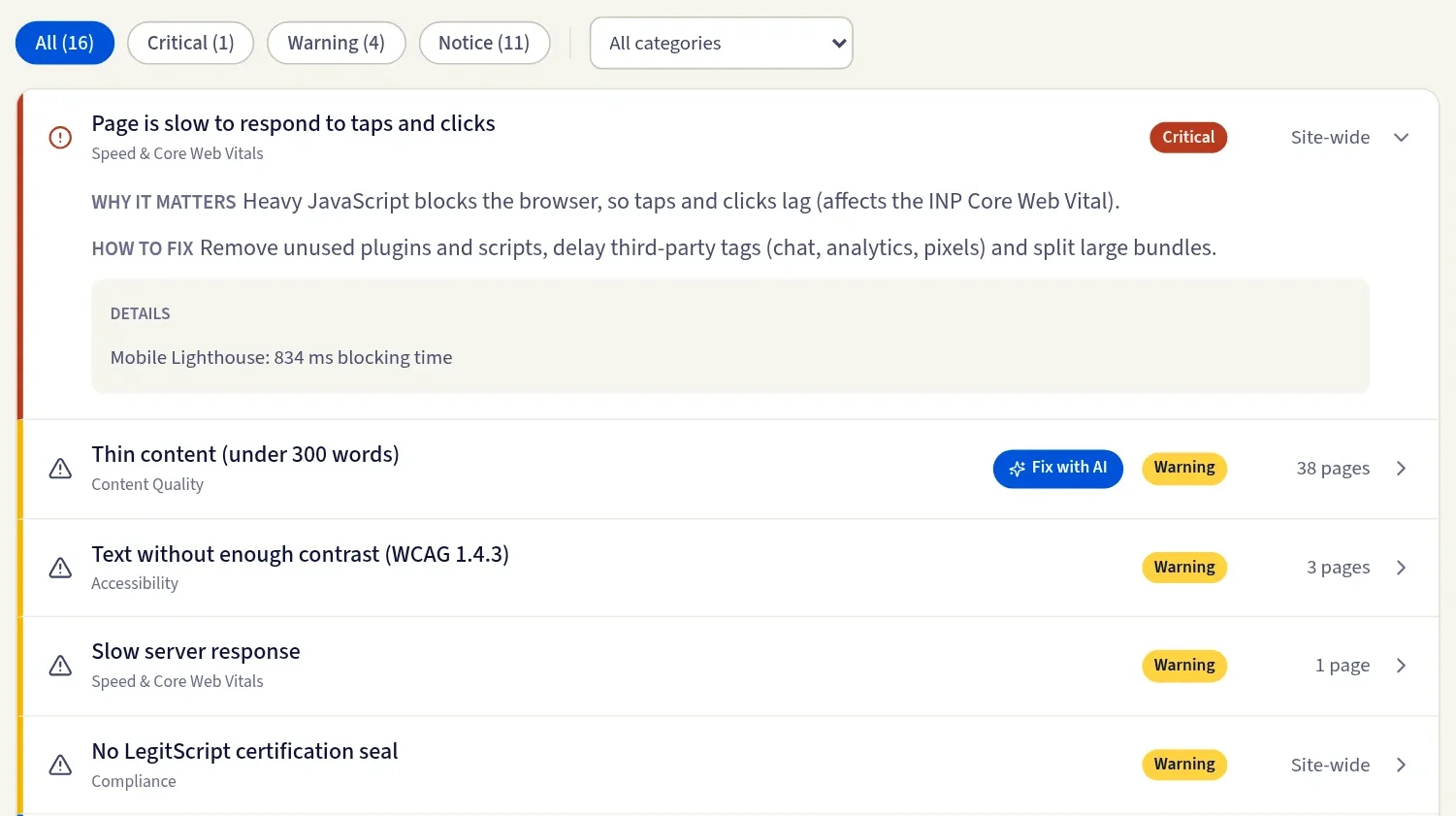 The issues list in RankThat’s Site Audit. Redirect chains and internal links pointing at redirects appear with why they matter and how to fix them.
Check Search Console
In Search Console, Indexing > Pages lists “Page with redirect” (normal: the URL redirects and Google indexed the target) and “Redirect error” (a problem). URL Inspection on a “Redirect error” URL usually shows whether it was a loop, a chain that was too long, or a redirect to an empty or bad URL.
Step 2: Fix the site-wide rules first
If the homepage check showed a chain, fix the protocol and host rules before anything else. One combined rule should send every variant straight to the final version.
On Apache (.htaccess), for a site that uses https://www.:
RewriteEngine On
RewriteCond %{HTTPS} off [OR]
RewriteCond %{HTTP_HOST} !^www\. [NC]
RewriteRule ^(.*)$ https://www.example.com/$1 [L,R=301]
On Nginx, give the plain HTTP versions a server block that returns a single 301 to the final address (and do the same in the HTTPS block for the non-www host):
server {
  listen 80;
  server_name example.com www.example.com;
  return 301 https://www.example.com$request_uri;
}
If you use a CDN, set its SSL mode so it connects to your server over HTTPS (“Full” or “Full (strict)” on Cloudflare) to avoid the HTTPS loop described above. Once the site is stable on HTTPS, an HSTS header makes browsers skip the HTTP hop on repeat visits.
Step 3: Flatten page-level chains
For each chain, change the first redirect so it points straight at the final URL. Keep the middle redirects too, pointed straight at the final URL, because other sites may link to them.
Before:
/water-heaters        -> /water-heater-service
/water-heater-service -> /water-heater-repair/
After:
/water-heaters        -> /water-heater-repair/
/water-heater-service -> /water-heater-repair/
Use 301 (or 308) for permanent moves. Google’s page on redirects and Google Search explains that permanent redirects tell Google the target should be the canonical, while temporary ones (302, 307) don’t. Server-side redirects are the most reliable; JavaScript redirects are a last resort because Google may never render them.
On WordPress, keep all redirects in one place. If Rank Math or Yoast Premium manages redirects, don’t also add the same ones in .htaccess or a second redirect plugin. Two systems is where most WordPress chains and loops come from.
Step 4: Update the links that point at redirects
This is the step most people skip, and it is the one that removes the chain for good. A redirect is a fallback for links you can’t change. Links you control should point at the final URL.
Update:
- Internal links in menus, footers, page content and old blog posts.
- Canonical tags that point at redirected URLs.
- The XML sitemap: it should list only final URLs that return 200.
- Hreflang tags and structured data URLs.
- Your own profiles: Google Business Profile website link, social profiles, directory listings.
On WordPress, the free WordPress Bridge plugin can update links that point at redirects to their final address, as a fix you review first with one-click undo. On sites whose domain uses Cloudflare, RankThat’s Cloudflare Worker can apply 301 redirects and update links pointing at old addresses as pages are served.
Step 5: Break the loops
For each loop, run the Redirect Checker and read the hops until you see the URL repeat. Then find which system issues each hop: the response headers often show it (a server: cloudflare header on a CDN redirect, or an x-redirect-by header naming WordPress or the plugin that sent it).
Remove or correct one of the two conflicting rules. Clear any caches (plugin, server, CDN) and test again in a private window, since browsers cache 301s.
Step 6: Check again
Re-run the checker on the URLs you changed, and re-crawl the site. In Search Console, open the “Redirect error” reason and use Validate fix once every example URL works. Watch the status codes in the crawl for new 404s, which usually mean a rule matched more URLs than intended.
How long to keep redirects? As long as anything links to the old URLs. For a migration, plan on years, not months. Removing a redirect that external sites still use turns it into a broken link, which is the subject of our crawl errors guide and the technical SEO checklist.
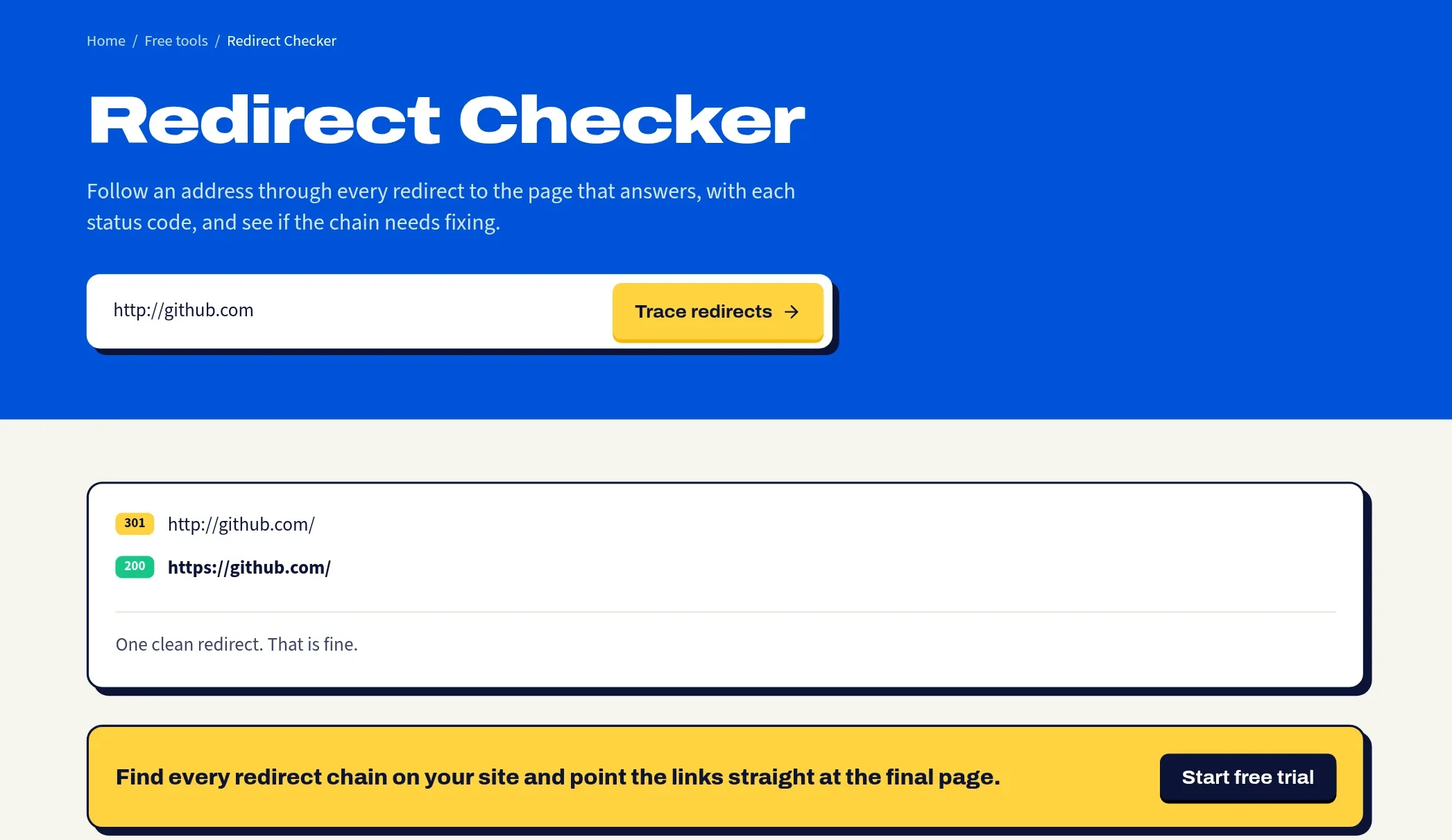 RankThat’s free Redirect Checker. Each hop and its status code, so you can see whether a link goes straight to the final page.
FAQ
How many redirects is too many?
One hop is normal. Two is worth fixing on important URLs. Google says Googlebot generally follows up to 10 hops, but aim for a single redirect from any old URL to its final page.
Do redirect chains hurt rankings?
They don’t trigger a penalty, but they slow pages, waste crawling and can confuse which URL Google treats as canonical. On big sites or after several migrations, flattening them is often a quick technical win.
What is the difference between a redirect chain and a redirect loop?
A chain ends at a real page after several hops. A loop never ends, because it returns to a URL it already visited, so the page fails to load.
Should I use a 301 or a 302?
Use 301 or 308 when the move is permanent. Use 302 or 307 only when the original URL will come back, such as a short promotion.
Why does my browser still show the old redirect after I fixed it?
Browsers cache 301 redirects. Test in a private window or with the Redirect Checker, which always makes a fresh request.