

A well-optimized Google Business Profile is complete, accurate and active: the right name and categories, correct hours, real photos, services listed, and reviews that get replies. That is most of what decides whether you show in the local pack and Google Maps for searches near you, and whether people call once they see you.
This checklist goes field by field, in the order of how much each one moves the needle on the profiles we manage. Our example is Brightside Dental, a fictional practice with three locations around Columbus, Ohio.
Google ranks local results on relevance, distance and prominence. You can’t change proximity, so the profile is where you work on the other two. If you are new to the profile itself, start with what a Google Business Profile is.
Ownership and verification
| Check | Why it matters | How to check |
|---|---|---|
| You own the profile, using a company Google account (not a former employee’s personal one) | Losing access to the owner account is a common and slow problem to fix | Business Profile settings › People and access |
| The profile is verified | Unverified profiles rank poorly and can be edited by anyone | Search your business name while signed in |
| Agency or staff access is as Manager, not a second Owner | Keeps control with the business | People and access |
| One profile per real location, no duplicates | Duplicates split reviews and confuse Google | Search Maps for your name and phone number |
Name, address and service area
| Check | Why it matters | How to check |
|---|---|---|
| Business name exactly as it appears on your sign and website | Adding keywords (“Brightside Dental Best Dentist Columbus”) breaks Google’s guidelines and can get the profile suspended | Compare with your signage |
| Address is a real location where you meet customers | Virtual offices and PO boxes are not allowed | Google’s guidelines |
| Service-area businesses hide the address and set a service area | Required if customers don’t come to you. See service area business | Business information › Location |
| Name, address and phone match your website and directories exactly | Consistent NAP helps Google trust the details | Your site footer, main citations |
| Main phone is a local number that rings during open hours | Missed calls from the profile are lost customers | Call it |
Google’s guidelines for representing your business are the rules every item above comes from. They are worth reading once in full.
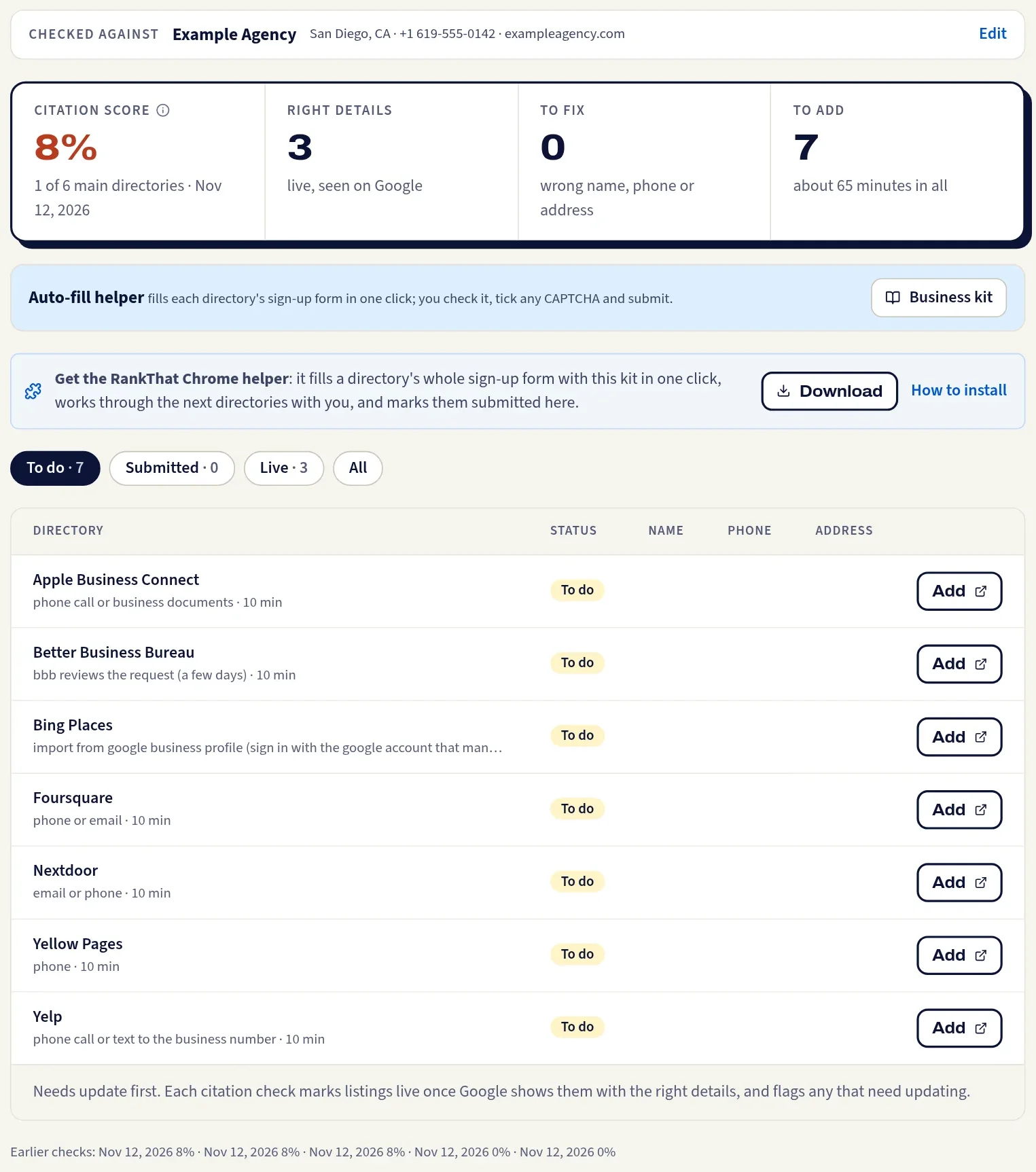 Citations in RankThat. Set the business details once, then check and submit the same name, address and phone everywhere.
Categories
The primary category affects rankings more than any other field.
- Choose the most specific primary category that describes the main business at that location. “Dentist” for two Brightside locations; “Pediatric dentist” for the one that mostly treats children.
- Add additional categories only for services you really offer at that location (“Cosmetic dentist”, “Emergency dental service”).
- Look at what the top-ranking competitors use. Their primary category tells you what Google associates with the search.
- Don’t change the primary category often. Big changes can make rankings swing for weeks.
Our glossary entry on primary and additional categories has more examples.
Hours
| Check | Why it matters | How to check |
|---|---|---|
| Regular hours are correct | Wrong hours lead to wasted trips and angry reviews | Compare with the front desk |
| Holiday hours set before every holiday | Google prompts searchers when hours might differ | Business information › Hours › Special hours |
| More hours added where they apply (such as emergency or phone hours) | Answers the “are you open now” question for specific services | Business information › Hours |
Being open at the time of the search can affect whether you show for some searches, especially near me searches on phones.
Services, products and description
- List every main service with a short, plain description. Brightside lists implants, aligners, emergency visits, children’s checkups and whitening, each with two or three sentences.
- Add prices where you can. “From $99 for a new-patient exam” answers the question people are about to call and ask.
- Write the business description (up to 750 characters) about what you do, for whom and where. No links, no promotions, no keyword lists.
- Fill in attributes that apply: wheelchair accessible, languages spoken, women-owned, online appointments and so on. Customers filter on some of these.
- Add the booking or appointment link if you take online bookings.
- Set the opening date if the location is new. It tells Google and searchers the profile is real.
Website link
| Check | Why it matters | How to check |
|---|---|---|
| Each location links to its own location page, not the homepage | The location page backs up the profile’s details and converts better | Click the website button on the profile |
| The landing page shows the same name, address, phone and hours | Mismatches weaken trust | Compare side by side |
| The landing page has LocalBusiness schema | Ties the page to the same business. See LocalBusiness schema | Rich Results Test |
The link has UTM tags (such as ?utm_source=google&utm_medium=organic&utm_campaign=gbp) |
Lets Google Analytics 4 show profile visits separately from other search traffic | GA4 › Traffic acquisition |
Photos and videos
- Logo and cover photo that look right at small sizes.
- Exterior photos from the street, so people recognize the building when they arrive.
- Interior, team and work photos. Real ones, not stock. For Brightside: the waiting room, the treatment rooms, the team, the parking lot.
- Add new photos regularly. A profile with fresh photos looks open and active.
- Check photos customers have added and report any that are wrong or offensive.
Reviews
Reviews count toward prominence and decide whether people pick you over the business next door.
| Check | Why it matters | How to check |
|---|---|---|
| You ask every happy customer, the same day, with a direct link | Fresh, steady reviews beat a burst every few years | Count reviews per month |
| You never pay, offer discounts for, or gate reviews | Breaks Google’s policies, and in the US the FTC’s fake reviews rule | Your review request process |
| Every review gets a reply | Shows prospects you care, and gives you a chance to fix complaints | Reviews tab |
| Replies to negative reviews stay calm and move the conversation offline | Arguing in public costs more customers than the review did | Reread before posting |
| Healthcare and legal replies never confirm someone is a client | Can breach privacy rules | Reread before posting |
For the full process, see how to get more Google reviews. RankThat reads your Google Business Profile reviews and drafts replies with AI for you to approve or edit before they post. Its Local SEO tools also schedule your Google posts, offers and events, set holiday hours and warn you when Google edits the listing by itself.
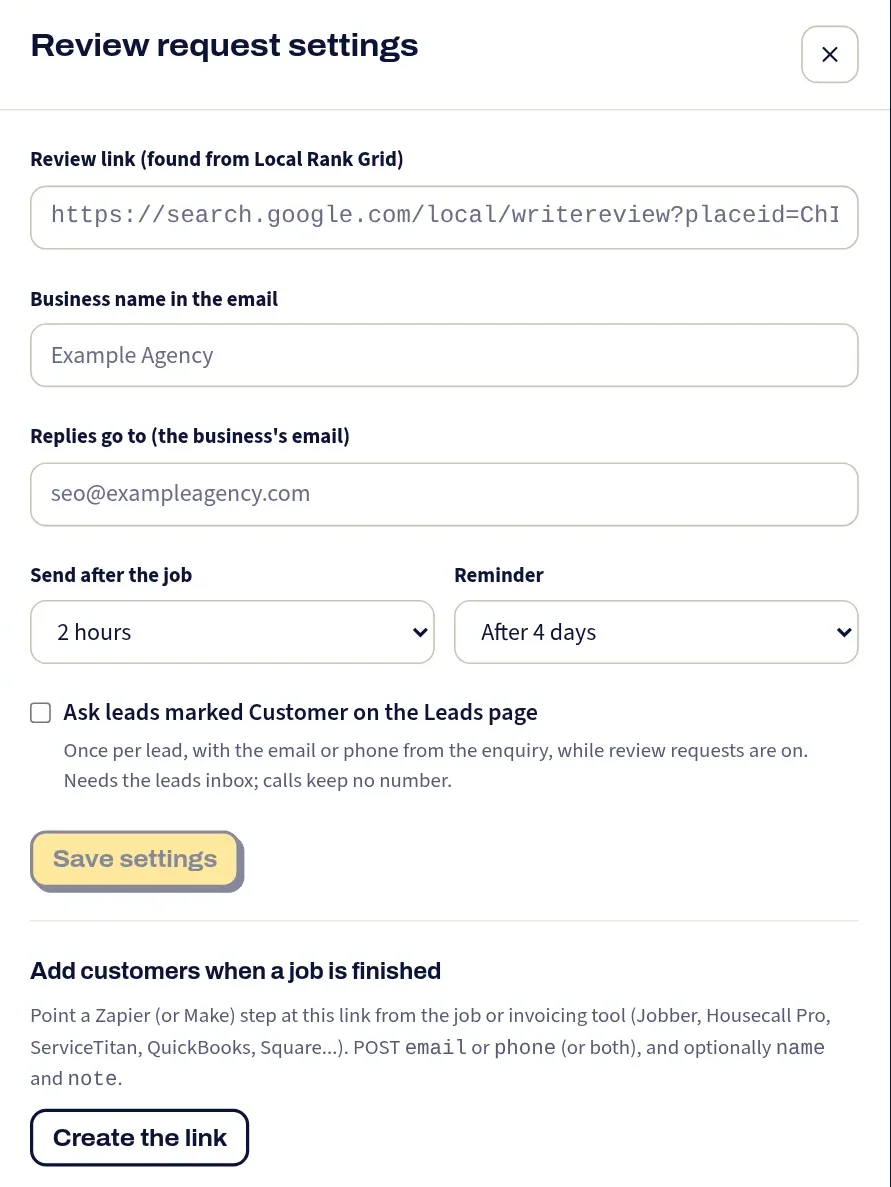 Review requests in RankThat. Each customer gets your Google review link after the job, with one reminder.
Posts and updates
- Post when there is something to say: an offer, a new service, an event, seasonal advice. Once or twice a month is plenty for most local businesses.
- Use a photo and a clear button (Call, Book, Learn more).
- Answer the questions people ask by phone in posts and on your website, so the answers are there before they call.
Posts are a small ranking factor at best. Their real value is giving a searcher one more reason to choose you.
Tracking
| Check | Why it matters | How to check |
|---|---|---|
| Calls, website clicks, direction requests and bookings are recorded monthly | These are the numbers the business cares about | Performance in Business Profile |
| Rankings are measured on a map grid, not from one spot | Your rank changes block by block. See Local Rank Grid | A grid rank tracker |
| Profile edits are checked monthly | Google and the public can suggest edits that change your details | Compare the live profile with your records |
Brightside’s grid showed the Dublin location ranking in the top three within a mile of the office and dropping well down the list three miles north. That told us where to focus reviews, posts and the location page. RankThat’s Local SEO section puts the grid, citations and reviews in one place, and our guide on how to rank higher in Google Maps covers the ranking side in depth.
Mistakes that get profiles suspended
- Keywords or locations added to the business name.
- A profile at a virtual office, coworking desk or address where you don’t meet customers.
- Several profiles for one location, or one profile per practitioner without following Google’s rules for practitioners.
- Changing name, address and category all at once. Make big edits one at a time.
FAQ
How long does it take to see results from optimizing a profile?
Fixes like the primary category and hours can show within days to a few weeks. Review growth and prominence build over months.
Can I have a profile without a storefront?
Yes, as a service-area business. Hide your address and set the areas you serve. You still need a real business address for verification.
Do Google posts help rankings?
Not much directly. They help the people who see your profile decide to call, which is what matters.
Should I reply to old reviews?
Yes. Prospects read back through the reviews, and a reply to a year-old complaint still shows you fix problems.
For the rest of local SEO (website pages, citations and schema), see the local SEO checklist.